
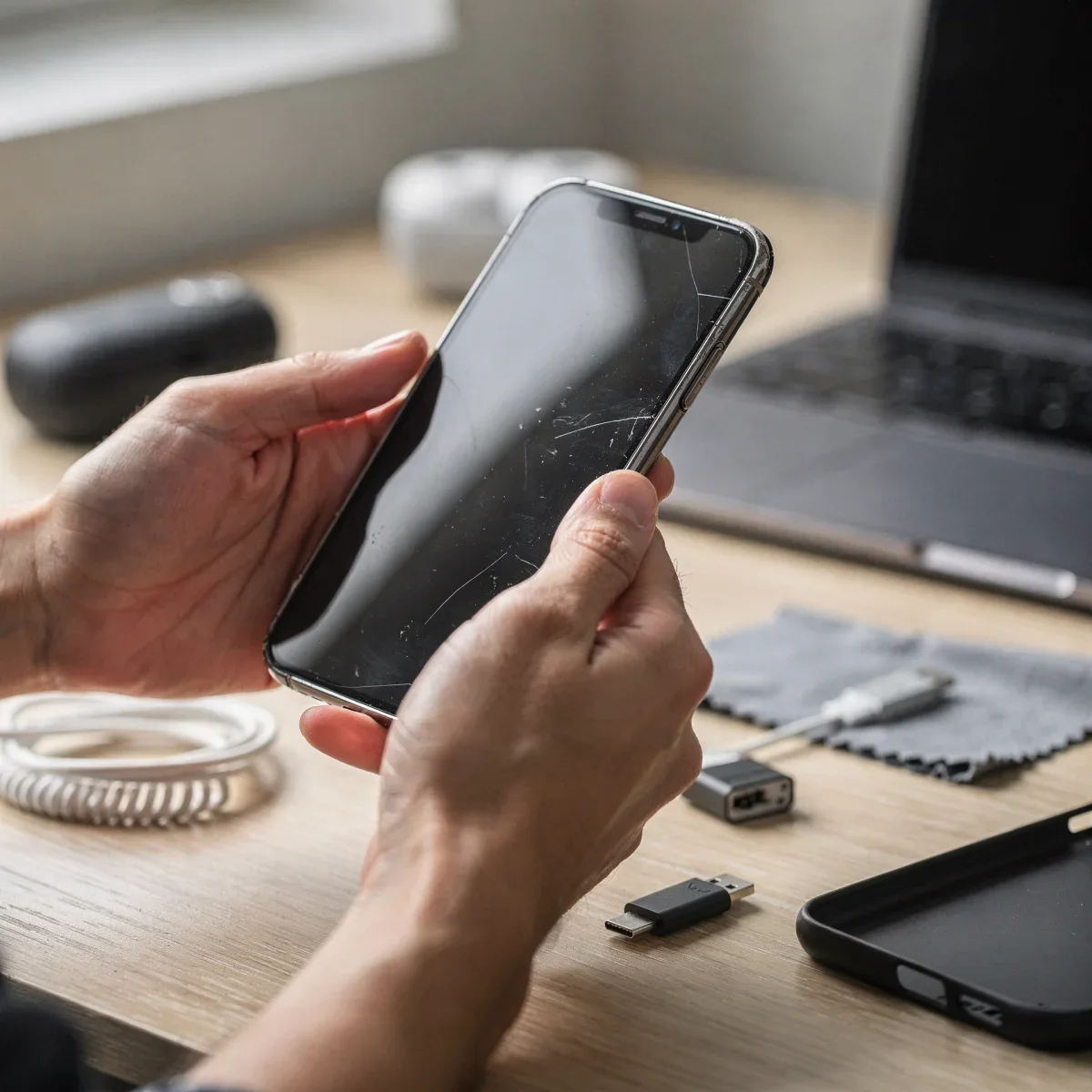
Flagship phone prices regularly top $1,000, making buying a used smartphone one of the smartest ways to upgrade your tech without draining your wallet. A secondhand device often delivers 90% of the flagship experience at less than half the retail price. However, skipping a few basic checks can leave you with a locked device or a depleted battery.
Advertisements
Whether you are browsing Swappa, checking out certified pre-owned deals at Best Buy, or meeting a local seller on Facebook Marketplace, doing your homework protects your investment. Here is everything you need to inspect before handing over your money.
Check the IMEI and Activation Lock First
The single most critical step in buying any pre-owned phone is verifying its IMEI (International Mobile Equipment Identity) number. A phone with a blacklisted IMEI is essentially an expensive paperweight because U.S. carriers will not activate it on their networks.
Ask the seller for the IMEI number ahead of time, or dial *#06# on the phone’s keypad to display it on screen. You can run this 15-digit number through free verification tools on major carrier websites like Verizon, AT&T, or T-Mobile to confirm the device is paid off and has not been reported lost or stolen.
Equally important is ensuring all activation locks are removed. For iPhones, confirm that Find My and iCloud are signed out completely. For Android devices, verify that the previous owner removed their Google account and completed a clean factory reset so you do not hit a Factory Reset Protection (FRP) block.
Assess Battery Health and Physical Condition
Lithium-ion batteries naturally degrade over time, and replacing one can add $50 to $100 to your total cost. Always inspect battery wear before committing to a purchase.
- iOS Devices: Go to Settings > Battery > Battery Health & Charging. Look for a maximum capacity of at least 80% to ensure solid daily performance.
- Android Devices: Check battery diagnostic menus in settings or use trusted diagnostic apps to review charge cycles and current capacity.
Beyond battery life, inspect the physical hardware thoroughly under direct light. Check for hairline cracks near camera lenses, deep gouges on the frame, and signs of water damage inside the SIM tray slot. Test every port by plugging in a charger and testing wired headphones if applicable.
Compare Used vs. Refurbished Channels
Where you buy dictates the level of buyer protection and warranty coverage you receive. Understanding the difference between certified refurbished retailers and peer-to-peer marketplaces helps you balance savings against risk.
| Buying Channel | Typical Price | Return Policy & Warranty | Best For |
|---|---|---|---|
| Certified Refurbished (Apple, Best Buy, Amazon Renewed) | Moderate savings (15%–30% off) | 30-to-90-day returns, up to 1-year warranty | Maximum peace of mind and return flexibility |
| Online Marketplaces (Swappa, eBay) | High savings (30%–50% off) | Buyer protection via PayPal or platform policies | Reliable balance of value and verification |
| Local Classifieds (OfferUp, Craigslist) | Highest savings (40%–60% off) | As-is; no returns or warranties | In-person cash deals with immediate testing |
Verify Carrier Compatibility and Ongoing Software Support
An unlocked phone gives you the freedom to switch carriers whenever a better plan comes along. If a device is locked to a specific carrier, confirm that it matches your current network before buying, or check if the seller can request an official carrier unlock.
Also, look up how many software updates the device has left. Apple generally supports iPhones with iOS updates for five to seven years from release, while newer Samsung Galaxy and Google Pixel devices offer up to seven years of operating system and security patches. Purchasing a model with at least two to three years of guaranteed support ensures your banking apps and streaming services continue running smoothly.
Quick Takeaways
- Always verify the IMEI number on a carrier portal and confirm iCloud or Google account locks are cleared.
- Aim for at least 80% maximum battery health to avoid immediate replacement costs.
- Check software update roadmaps to ensure the model will receive security patches for several years.
Frequently Asked Questions
Is it better to buy refurbished or used?
Refurbished phones cost slightly more but include functional testing, cleaning, and a return policy or warranty. Used phones from private sellers cost less but carry no warranty once purchased.
How do I check if a used phone is stolen?
Ask the seller for the 15-digit IMEI number. Check it through an online blacklist database or carrier compatibility checker like Swappa’s free IMEI tool or your wireless provider’s activation page.
What should I test when meeting a local seller?
Insert your active SIM card to test calls and cellular data. Then check Wi-Fi, Bluetooth, cameras, speakers, microphones, touchscreen responsiveness, and the charging port before completing the transaction.
Taking a few extra minutes to verify serial numbers, run diagnostics, and confirm carrier status makes buying a used smartphone an easy, stress-free way to save cash. Check out our latest budget tech guides for more tips on finding great gear for less.