
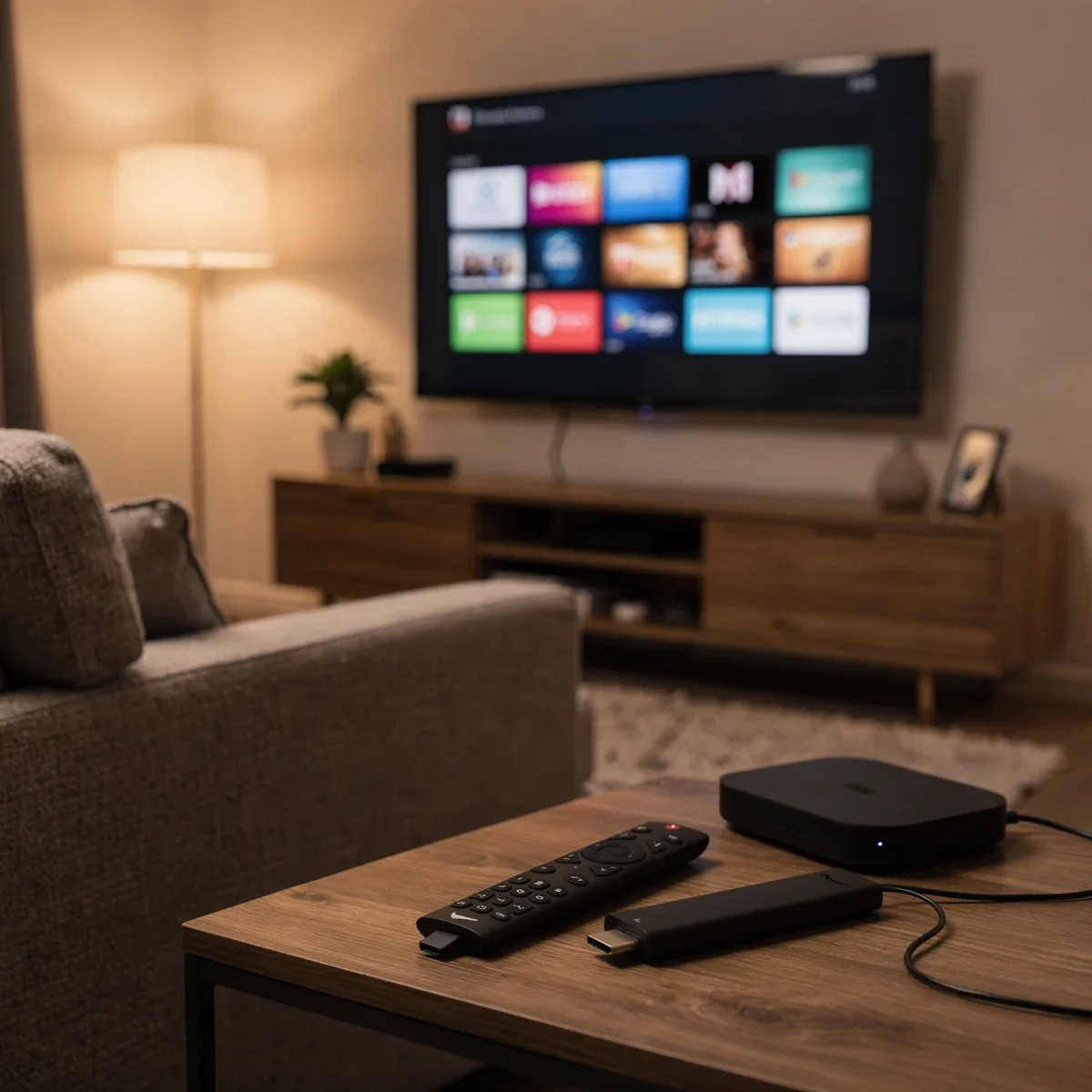
Finding the right way to watch your favorite movies and shows can feel overwhelming with so many gadgets on store shelves. When you start choosing a streaming device, you will quickly notice three main options: compact streaming sticks, high-powered set-top boxes, and built-in smart TV platforms. Each format comes with distinct advantages depending on your budget, television setup, and how much performance you expect.
Advertisements
Streaming Sticks: Portable and Budget-Friendly
Streaming sticks plug directly into an HDMI port on the back of your television, staying hidden from plain view. Popular picks like the Amazon Fire TV Stick, Roku Streaming Stick, and Google Chromecast offer compact designs powered by a small USB cable. You can easily find high-definition and 4K models priced between $30 and $60 at retailers like Target, Best Buy, and Walmart.
These devices are ideal for secondary screens like bedroom TVs, guest rooms, or travel setups in hotel rooms. While they handle 4K HDR playback and major apps like Netflix, Hulu, and Max with ease, their compact hardware means menus can occasionally stutter under heavy multitasking.
Set-Top Boxes: Maximum Power and Storage
Dedicated streaming boxes, such as the Apple TV 4K and Roku Ultra, sit on your media console and connect via an HDMI cable. Ranging from $100 to $150, these devices pack faster processors, gigabit Ethernet ports, and generous internal storage for apps and casual games.
If you value a lightning-fast interface, support for premium audio standards like Dolby Atmos, and seamless smart home integration (such as Apple HomeKit or Google Home), a box is well worth the extra investment. The added processing power ensures quick app switching and years of reliable software updates without noticeable slowdowns.
Built-in Smart TVs: The All-in-One Solution
Most modern televisions from brands like Samsung, LG, Sony, and TCL ship with built-in operating systems like Google TV, Roku TV, webOS, or Tizen. This eliminates extra remotes, cables, and power cords entirely. For basic day-to-day streaming, your TV's built-in platform might be all you need right out of the box.
However, TV manufacturers often stop updating internal software after a few years, causing apps to lose support or become sluggish over time. Adding an external stick or box down the road is an easy fix when your television's native interface begins to lag.
Quick Comparison: Sticks vs. Boxes vs. Smart TVs
| Device Type | Typical Price | Best For | Key Advantage |
|---|---|---|---|
| Streaming Stick | $30 – $60 | Bedrooms, guest rooms, travel | Affordable, discreet design |
| Streaming Box | $100 – $150 | Main home theaters, power users | Fast performance, Ethernet ports |
| Smart TV (Built-in) | Included with TV | Everyday casual viewing | Single remote, zero clutter |
Quick Takeaways
- Budget & Space: Streaming sticks deliver the best value and stay hidden behind your television.
- Performance & Longevity: Streaming boxes cost more upfront but provide the fastest navigation and longest software support.
- Simplicity: Built-in smart TV interfaces work great initially, but external devices offer a better long-term experience.
Frequently Asked Questions
Do I need a streaming device if I have a smart TV?
No, but an external stick or box can provide a faster interface, broader app availability, and longer software support once your TV starts aging.
Do streaming devices require a monthly subscription fee?
The hardware itself requires only a one-time purchase. However, individual streaming services like Netflix, Hulu, or Disney+ require their own paid subscriptions.
Can I use a streaming stick on an older TV?
Yes, as long as your television has an available HDMI port and you have a reliable home Wi-Fi connection.
Final Thoughts
Ultimately, choosing a streaming device comes down to matching your budget with how you use your living room. A budget-friendly stick is perfect for casual watching, while a premium box transforms your main entertainment center. Check out our home audio guides to pair your new streaming player with the perfect sound setup.