
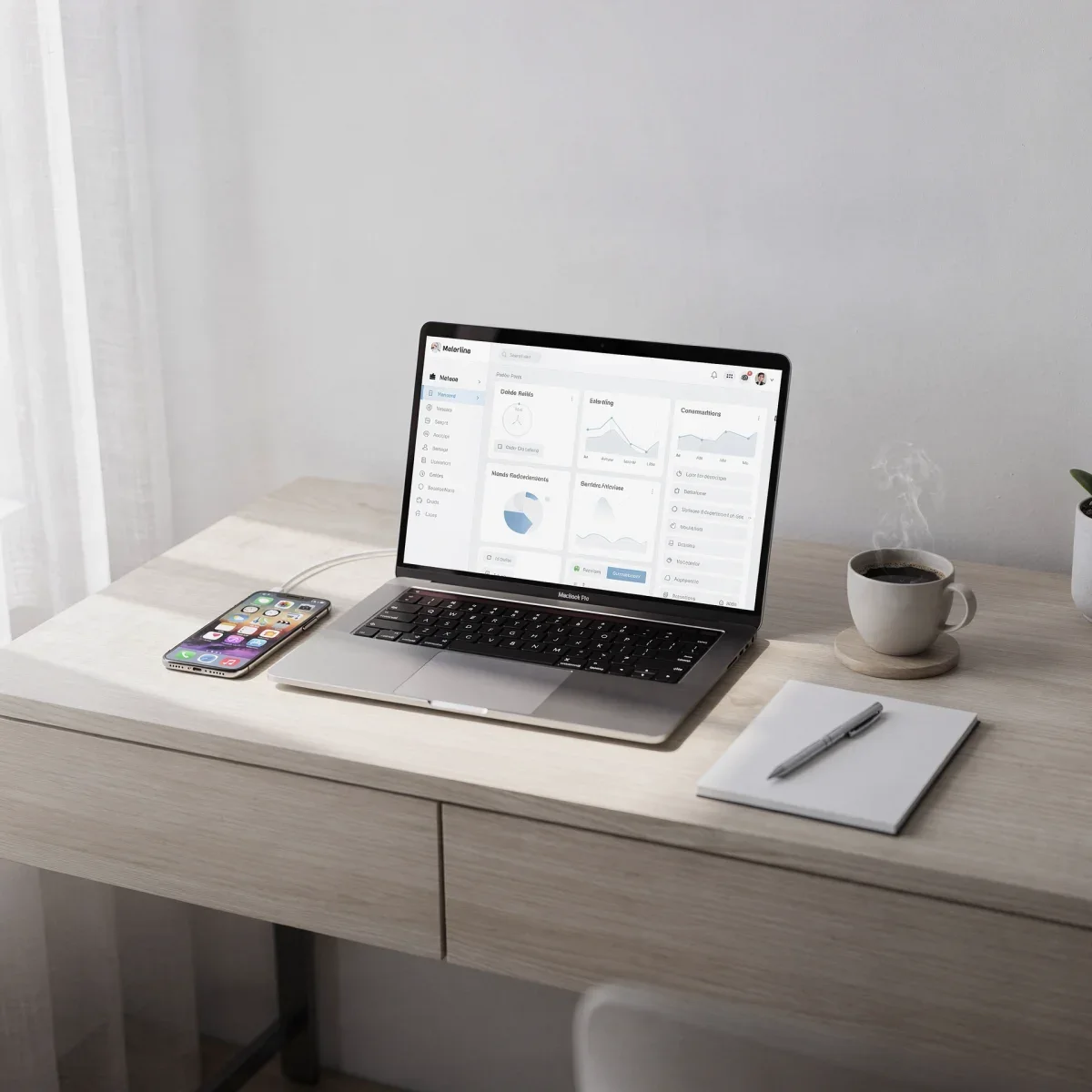
If your desktop looks like a mosaic of random screenshots and your phone constantly reminds you that storage is almost full, you are not alone. It is easy for files, apps, and unread emails to pile up quietly over time. Learning how to clean up digital clutter can instantly reduce everyday stress, speed up your devices, and save you valuable time searching for lost documents.
Advertisements
Step 1: Audit and Prune Your Mobile Devices
Start with the device you touch most often: your smartphone. Open your storage settings to review installed apps and see which ones consume the most space. Delete anything you have not opened in the last three months, especially unused subscription services or mobile games.
Next, tackle your photo gallery. Use built-in utilities in Apple Photos or Google Photos to automatically find and remove duplicates, blurry shots, and long screen recordings. Moving personal media to a dedicated external SSD or a cloud backup service keeps your phone running fast without sacrificing memories.
Step 2: Tame Your Inbox and Manage Cloud Storage
A packed email inbox creates subtle mental fatigue every time you open your mail app. Rather than sorting through thousands of past emails manually, use the search bar to locate newsletters and promotional offers, then click "unsubscribe" before deleting them in bulk.
Cloud storage accounts like Google Drive, iCloud, or Dropbox also collect abandoned project folders and duplicate downloads over the years. Sort your folders by file size to quickly locate heavy video clips, disk images, or outdated presentations that can be safely deleted or moved to cold storage.
Step 3: Organize Your Computer Desktop and Web Browsers
A cluttered computer desktop forces your machine to work harder to render icons each time you boot up. Create three simple root folders—Work, Personal, and Archive—and move every stray file into its respective home.
For your web browser, bookmark overload is just as distracting as open tabs. Remove browser extensions you no longer recognize, export essential bookmarks into clearly labeled folders, and clear your cache periodically to maintain optimal browsing performance.
Simple Steps to Clean Up Digital Clutter
Here is a quick look at where to focus your efforts first for maximum impact:
| Device / Platform | Immediate Action Item | Estimated Time |
|---|---|---|
| Smartphone | Delete unused apps and duplicate photos | 10-15 minutes |
| Email Inbox | Unsubscribe from marketing lists and clear trash | 15 minutes |
| Cloud & Computer | Sort by file size and archive old project folders | 20 minutes |
Quick Takeaways
- Delete before organizing: Purging unnecessary apps, emails, and photos reduces the volume of data you need to sort.
- Leverage built-in tools: Storage management settings on iOS, Android, macOS, and Windows can automatically identify large, redundant files.
- Maintain weekly habits: Spending five minutes clearing your download folder every Friday prevents buildup from returning.
Frequently Asked Questions
How often should you do a digital declutter?
A quick 10-minute weekly sweep of your downloads folder and inbox keeps things manageable. Plan a thorough digital cleanup once every quarter to review cloud storage, photo libraries, and installed apps.
Does digital clutter slow down your computer or phone?
Yes. Low storage space prevents operating systems from writing temporary cache files and managing virtual memory efficiently, which can cause apps to freeze, crash, or run sluggishly.
What is the easiest way to organize old digital photos?
Use automated tools in Apple Photos or Google Photos to merge duplicates, delete accidental screenshots, and create year-based albums so you can easily browse without scrolling through thousands of snapshots.
Wrapping Up
Taking an afternoon to clean up digital clutter transforms how you interact with your technology every day. Once your screens are clear and your files are organized, keeping them that way takes just a few minutes each week. Pick one device to tackle right now, and subscribe to our newsletter for more practical tech guides.