
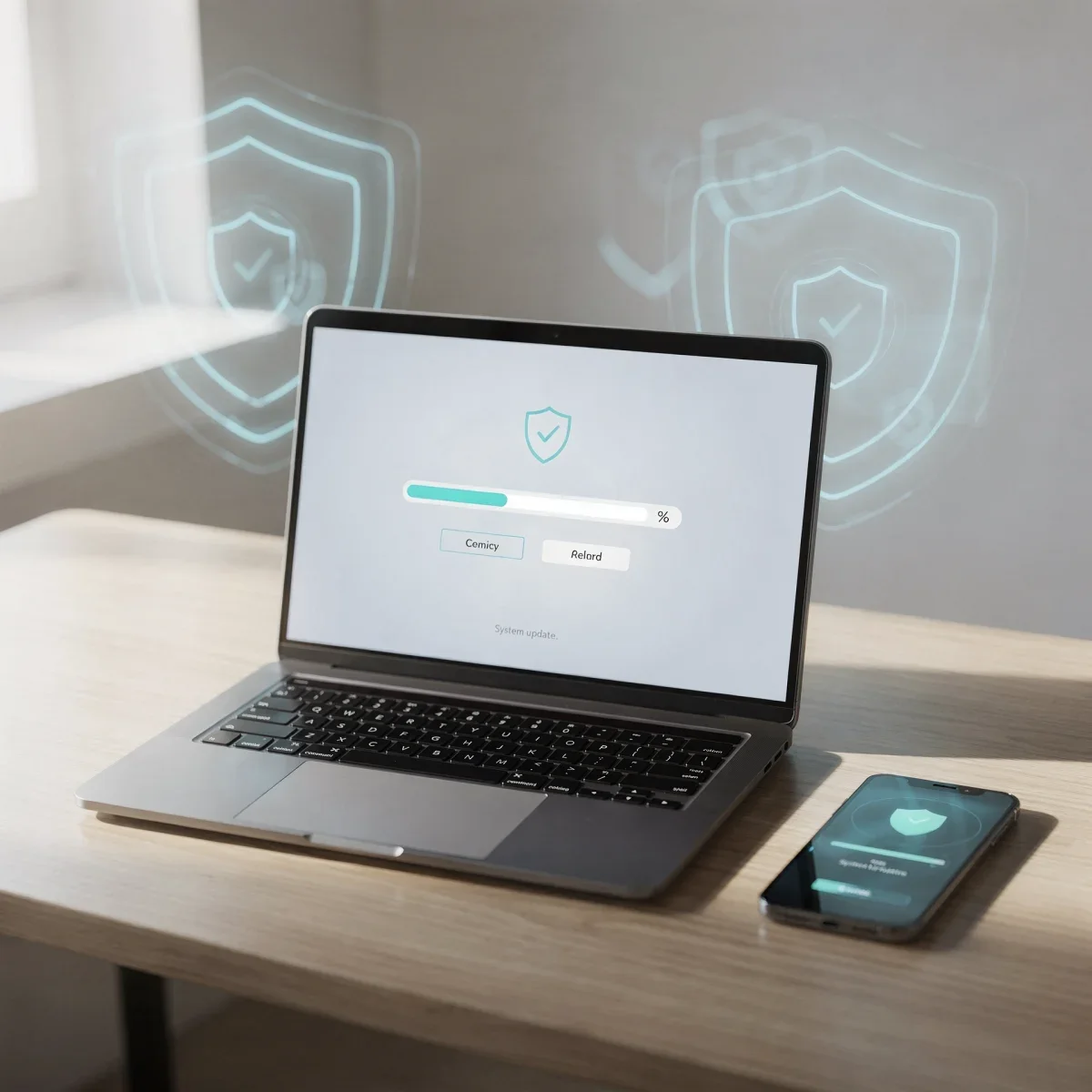
We have all seen that little notification pop up in the corner of our screen and clicked "Remind Me Tomorrow." It feels harmless to postpone a patch when you are in the middle of a project, but learning how to manage software updates is one of the easiest ways to protect your tech. Here is why those alerts matter and how you can stay up to date without interrupting your day.
Advertisements
The Real Reasons Software Updates Matter
Every update brings a mix of invisible defenses and noticeable improvements. While you might only look forward to new emojis or interface tweaks, behind-the-scenes adjustments keep your system stable.
- Patching Security Flaws: Hackers constantly look for code vulnerabilities in operating systems and apps. Developers release patches to close these entry points before cybercriminals can exploit them to access your personal data or banking credentials.
- Fixing Annoying Bugs: If an app crashes unexpectedly, freezes your screen, or drains your battery faster than usual, a routine update often provides the exact bug fix needed.
- Improving Performance and Compatibility: Updates optimize system resources so your device runs smoothly alongside newly released software and web standards.
How to Manage Software Updates Without the Headache
Keeping up with every single update manually is exhausting. Setting up automated routines lets you maintain tight security without losing your workflow.
| Platform | Best Setting | How to Access |
|---|---|---|
| Apple (iOS / macOS) | Automatic Downloads & Security Responses | Settings > General > Software Update |
| Microsoft Windows | Active Hours Configuration | Settings > Windows Update > Advanced Options |
| Google Android | Auto-update apps over Wi-Fi | Google Play Store > Settings > Network Preferences |
1. Turn on Automatic Overnight Updates
Most modern laptops and phones allow you to download and install patches while you sleep. Plug your device into power before bed and ensure it is connected to home Wi-Fi so updates install seamlessly overnight.
2. Configure Active Hours on Your PC
Windows allows you to set "Active Hours" during your typical workday (for example, 8:00 AM to 6:00 PM). This prevents sudden, disruptive restarts while you are taking a video call or finishing an assignment.
3. Do Not Forget Your Wi-Fi Router and Smart Devices
Smart TVs, streaming sticks, security cameras, and Wi-Fi routers run software known as firmware. Check your router manufacturer's companion app once a month to ensure its firmware is current, since an outdated router leaves your entire home network exposed.
Quick Takeaways
- Security patches seal newly discovered vulnerabilities before attackers can take advantage of them.
- Automating overnight installations saves time and eliminates annoying restart pop-ups during your workday.
- Always keep home network hardware, like your Wi-Fi router, updated alongside personal devices.
Frequently Asked Questions
Can updating my phone or computer slow it down?
Major annual OS upgrades may temporarily cause minor indexing slowdowns, but regular security patches and maintenance updates generally improve speed, fix battery drain, and enhance overall stability.
Is it safe to update software using public Wi-Fi?
It is safer to update over a trusted home network or cellular data. Public networks at cafes or airports can be intercepted, raising the risk of corrupted download files.
What is the difference between an update and an upgrade?
An update is a smaller patch addressing security, stability, and bugs within your current version. An upgrade is a major generational release featuring significant design overhauls and new capabilities.
Taking a few minutes to organize and manage software updates safeguards your private information and keeps your gadgets running like new. Take a look at your device settings tonight, turn on automatic maintenance, and enjoy peace of mind knowing your digital life is protected.