
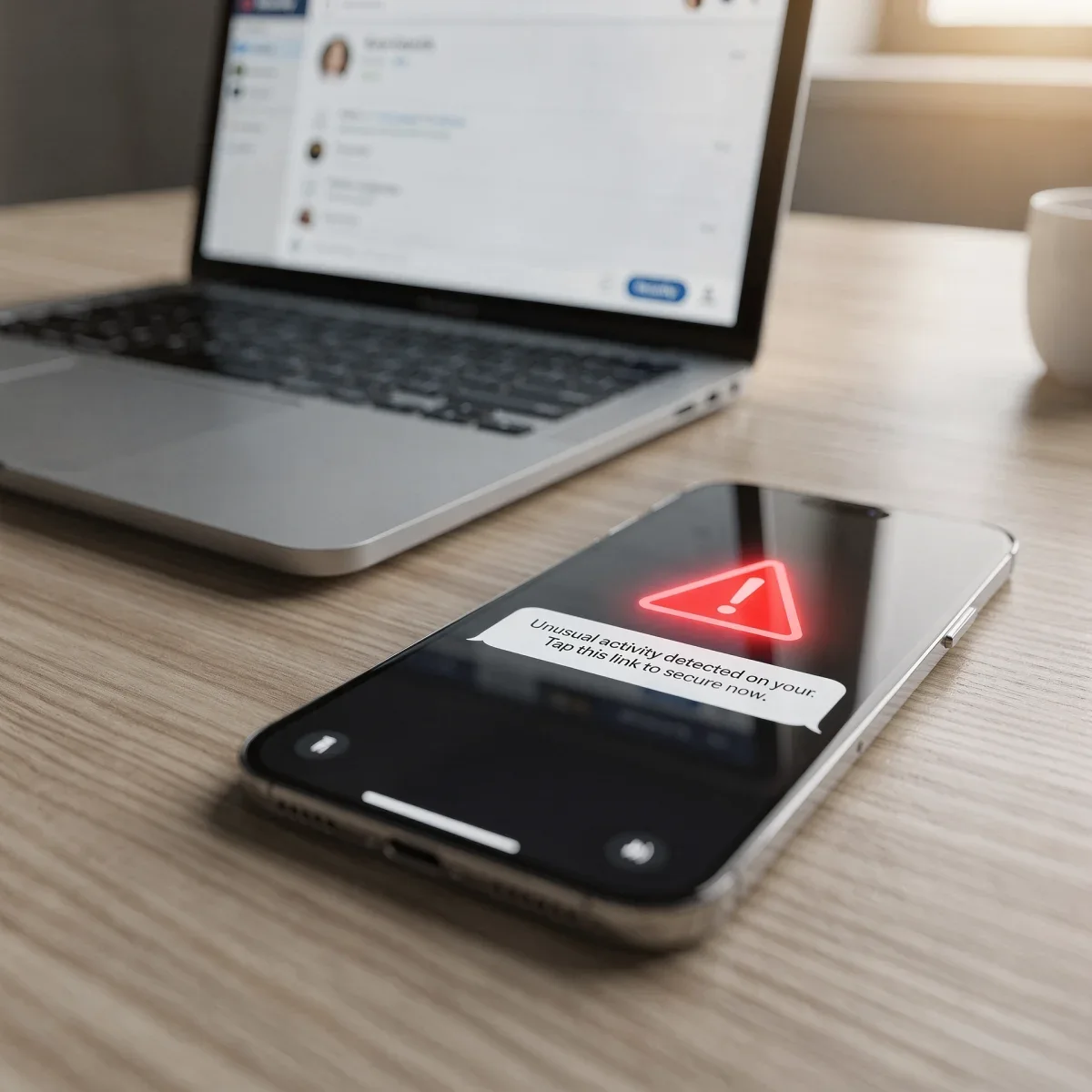
We have all received that panic-inducing text claiming a package is stranded at a warehouse or an alarming email warning that our Netflix account is suspended. Learning how to spot phishing emails and malicious text messages (often called “smishing”) is one of the most valuable tech skills you can develop. Scammers are constantly refining their tactics, but once you know what to look for, their tricks become easy to catch.
Advertisements
The Anatomy of a Modern Phishing Scam
Phishing attacks rely on social engineering rather than complex hacking tools. Scammers impersonate trusted brands like Amazon, Chase, Apple, or the USPS to trick you into revealing passwords, social security numbers, or credit card details.
These communications usually push emotional triggers like panic, urgency, or curiosity. If an incoming message demands immediate action or threatens legal consequences within minutes, your skepticism should immediately kick in.
Top Red Flags to Watch for in Emails and Texts
While some scam messages look polished, most leave clear clues behind. Inspect these critical elements before tapping any link or downloading an attachment:
- Mismatched Sender Addresses: Look closely at the actual email address, not just the display name. A message claiming to be from Best Buy sent from an address ending in “@support-secure-update.biz” is an immediate red flag.
- Generic Greetings: Legitimate companies usually address you by your full name. Messages opening with “Dear Customer,” “Valued Member,” or no name at all warrant caution.
- Artificial Urgency: Demands like “Account suspended in 24 hours!” or “Claim your $500 gift card now!” aim to rush your judgment before you verify the source.
- Strange Phone Numbers or Shortcodes: Fake delivery alerts often arrive from standard 10-digit mobile numbers rather than official commercial shortcodes.
- Obscured Web Links: Hover over links on a desktop browser or press and hold on mobile to view the destination URL. Look out for misspellings like “amzn-security.com” instead of “amazon.com.”
Phishing vs. Legitimate Messages: Quick Comparison
| Message Element | Legitimate Company | Phishing Scam |
|---|---|---|
| Sender Domain | Matches official website (e.g., @target.com) | Random public domain or altered spelling |
| Link Destination | Direct link to verified, secure root domain | Shortened URL or unknown redirect page |
| Requested Action | Directs you to log in securely through their app/site | Asks you to send credentials or text back personal codes |
What to Do When You Spot a Phishing Attempt
When you encounter a suspicious message, your safest move is doing nothing inside that thread. Never click embedded links, do not open attachments, and avoid replying “STOP” to suspicious texts, as replying confirms your phone number is active.
Instead, open your web browser or official app independently, log in to your account directly, and check for authentic notifications. Forward scam emails to the FTC at spam@uce.gov and report scam texts by forwarding them to 7726 (SPAM) on major U.S. carriers.
Quick Takeaways
- Verify the sender: Always inspect the actual email address or phone number behind the display name.
- Bypass message links: Navigate directly to the company website or mobile app to verify account alerts.
- Report and block: Forward suspicious text messages to 7726 and delete the thread immediately.
Frequently Asked Questions
What happens if I accidentally click a phishing link?
Disconnect your device from Wi-Fi immediately. Run a malware scan, clear browser data, and update your passwords from an uncompromised device, starting with your primary email and banking accounts.
Can a scammer steal data just from an opened text?
Simply opening an SMS text message is generally safe on updated smartphones. Danger occurs when you click embedded links, download unknown files, or share personal information in a reply.
How can I protect my accounts against phishing?
Enable two-factor authentication (2FA) using an authenticator app or hardware key rather than SMS codes whenever possible, and use a dedicated password manager to generate unique, complex passwords.
Stay One Step Ahead
Taking a few extra seconds to review incoming messages helps you confidently spot phishing emails and protect your digital identity from costly mistakes. Keep your phone operating system updated, share these tips with friends and family, and explore our latest tech security guides to keep your devices secure all year round.